How it works
From a new customer to a finished photo report in the customer’s portal — this is what a job looks like in ServiceTrack.
01The office
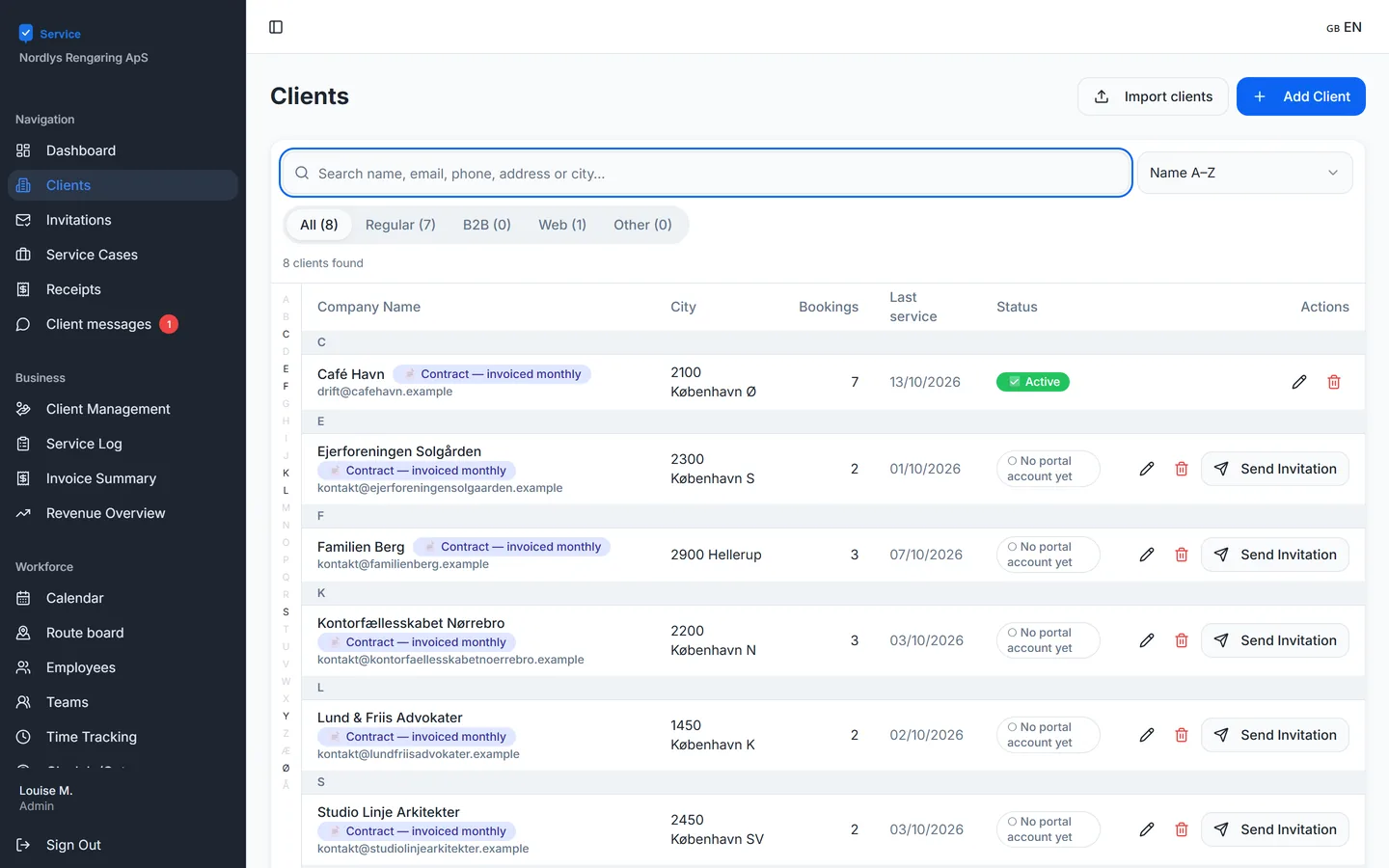
Create the customer
The customer is created with address and contact details and can be invited to their own portal.
02The office
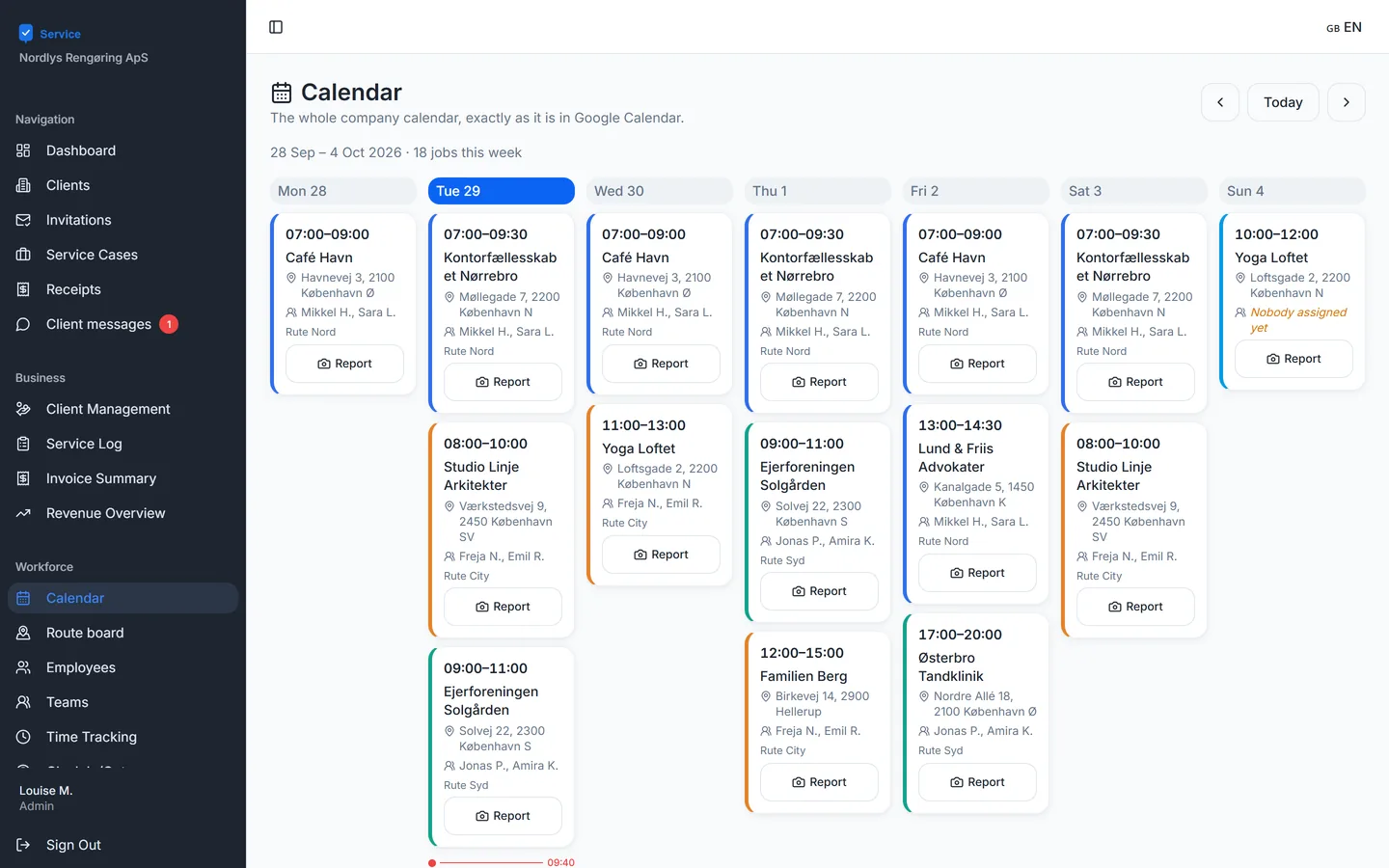
Plan it in the calendar
The job goes into the calendar and gets a route. That way the team knows it is theirs.
03The employee
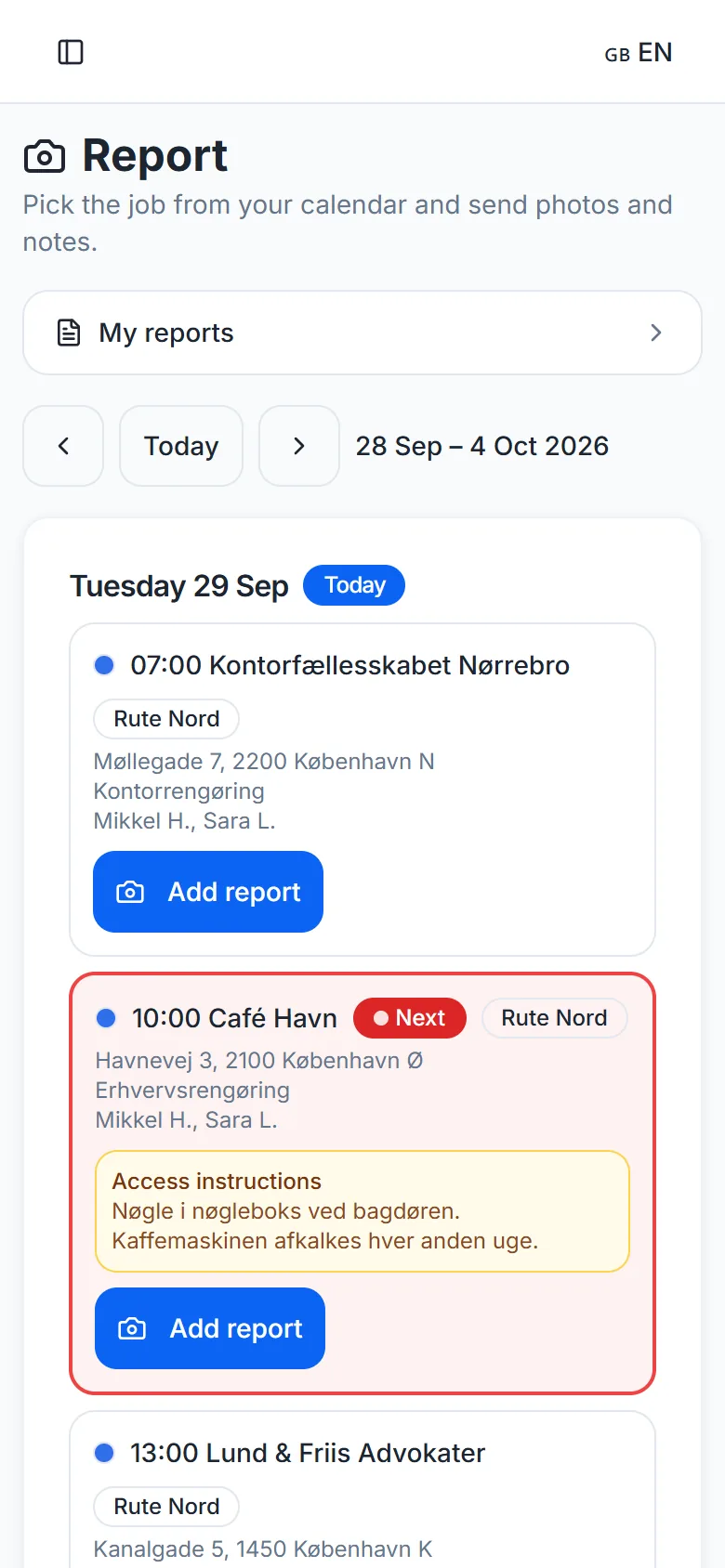
The team sees its route
Today’s jobs are on the phone with time, address and access details.
04The employee
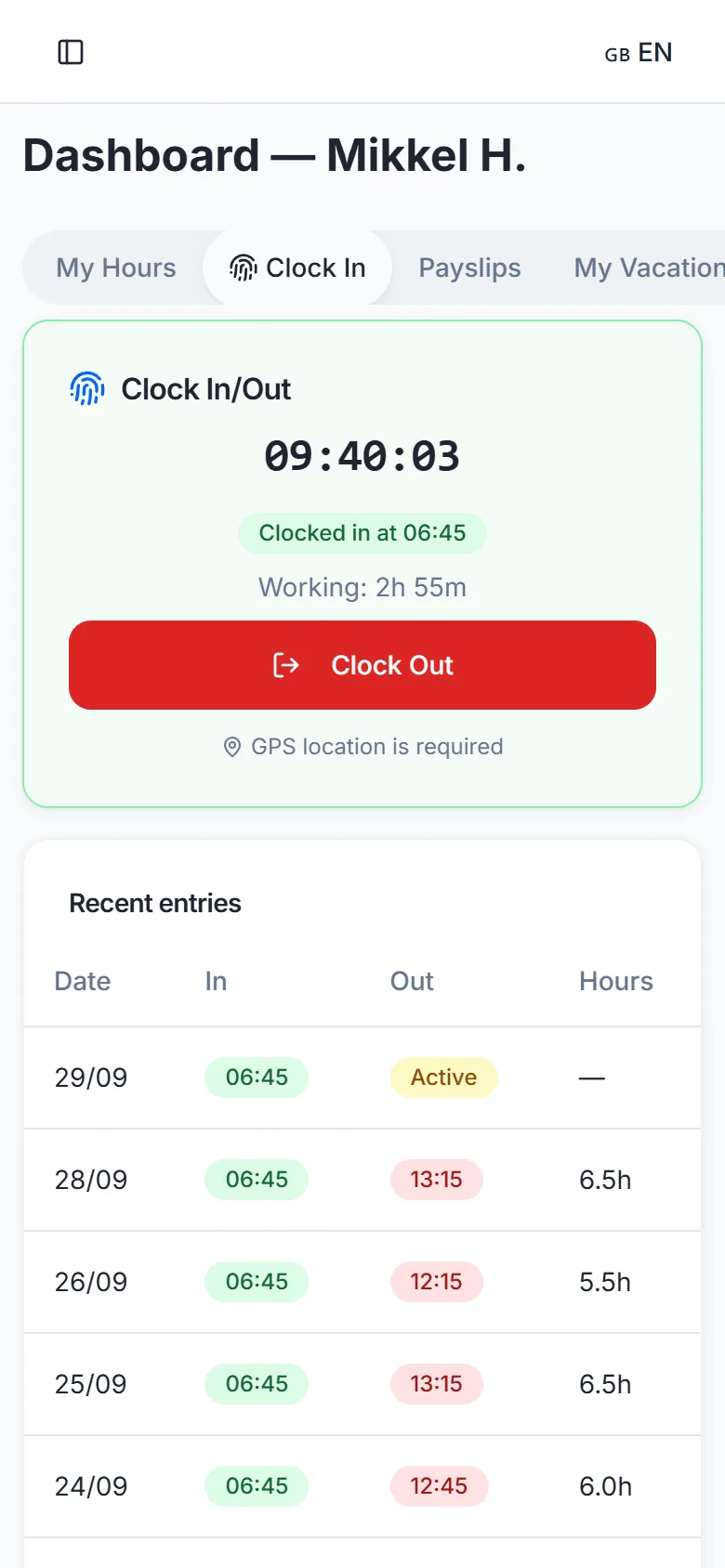
Clock in with GPS
The employee clocks in on the phone, and the location is saved together with the time.
05The route leader
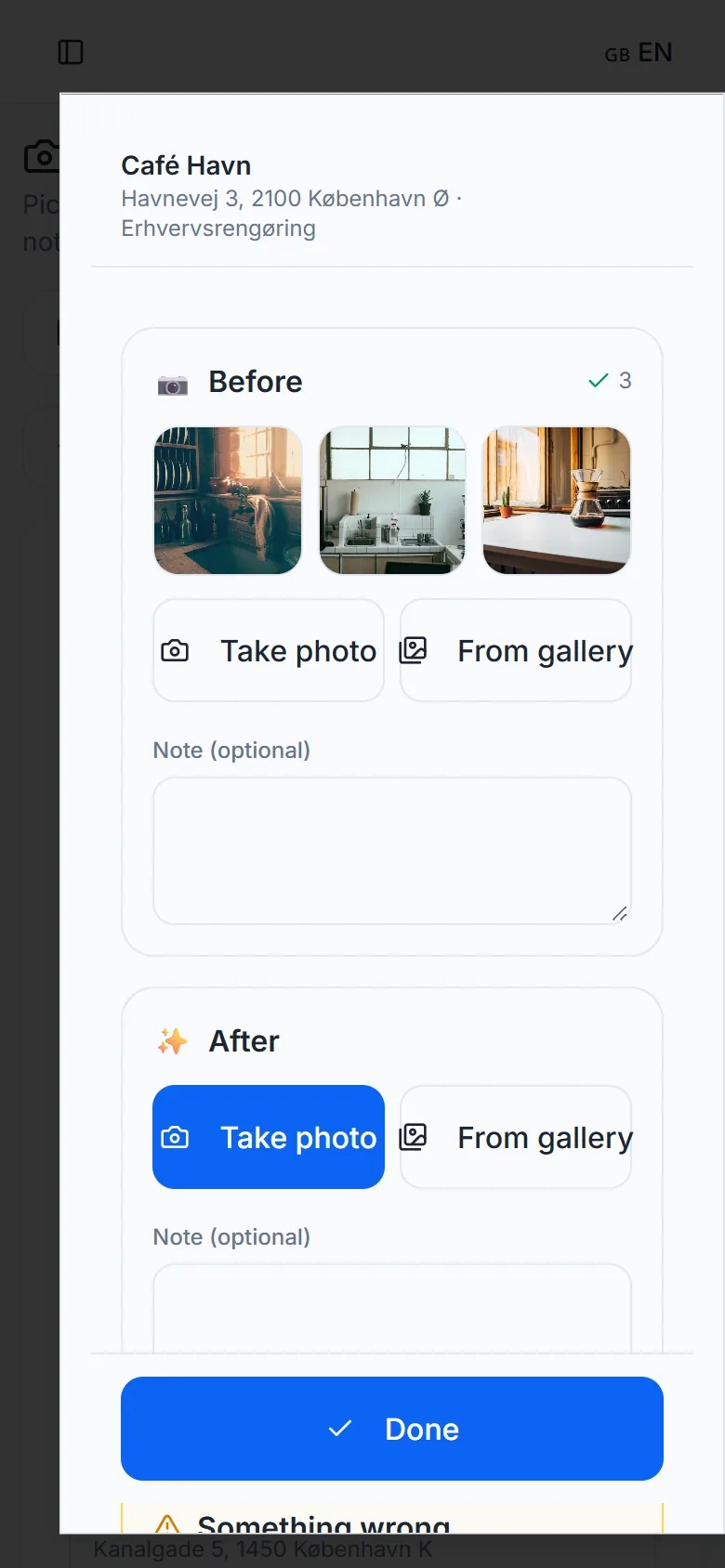
Photos on the job
The route leader takes before and after photos with the in-app camera and adds a note if there is anything to mention.
06The office
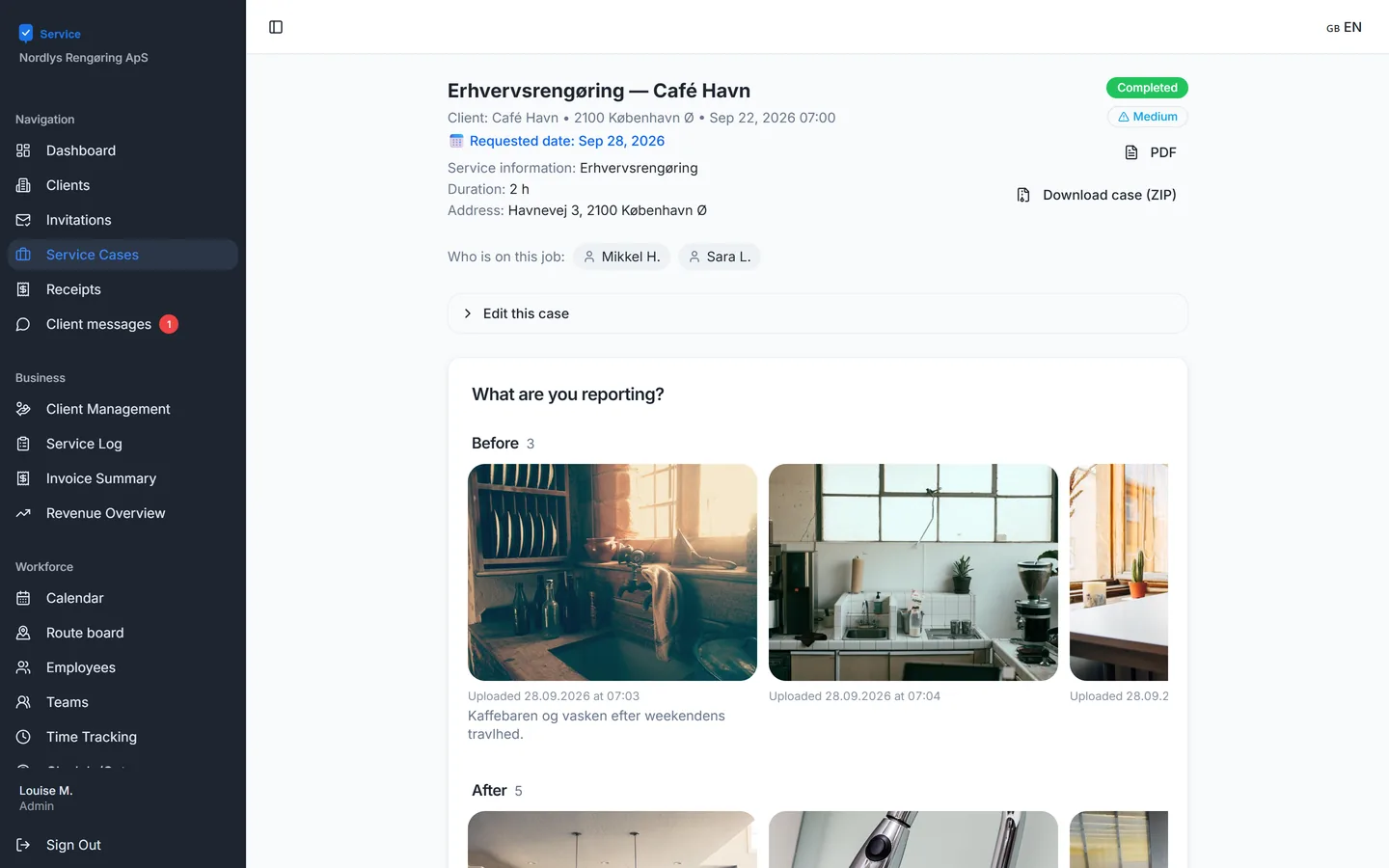
The report comes together
Photos and notes are gathered on the case automatically. The office sees the report right away and can download it as a PDF.
07The customer
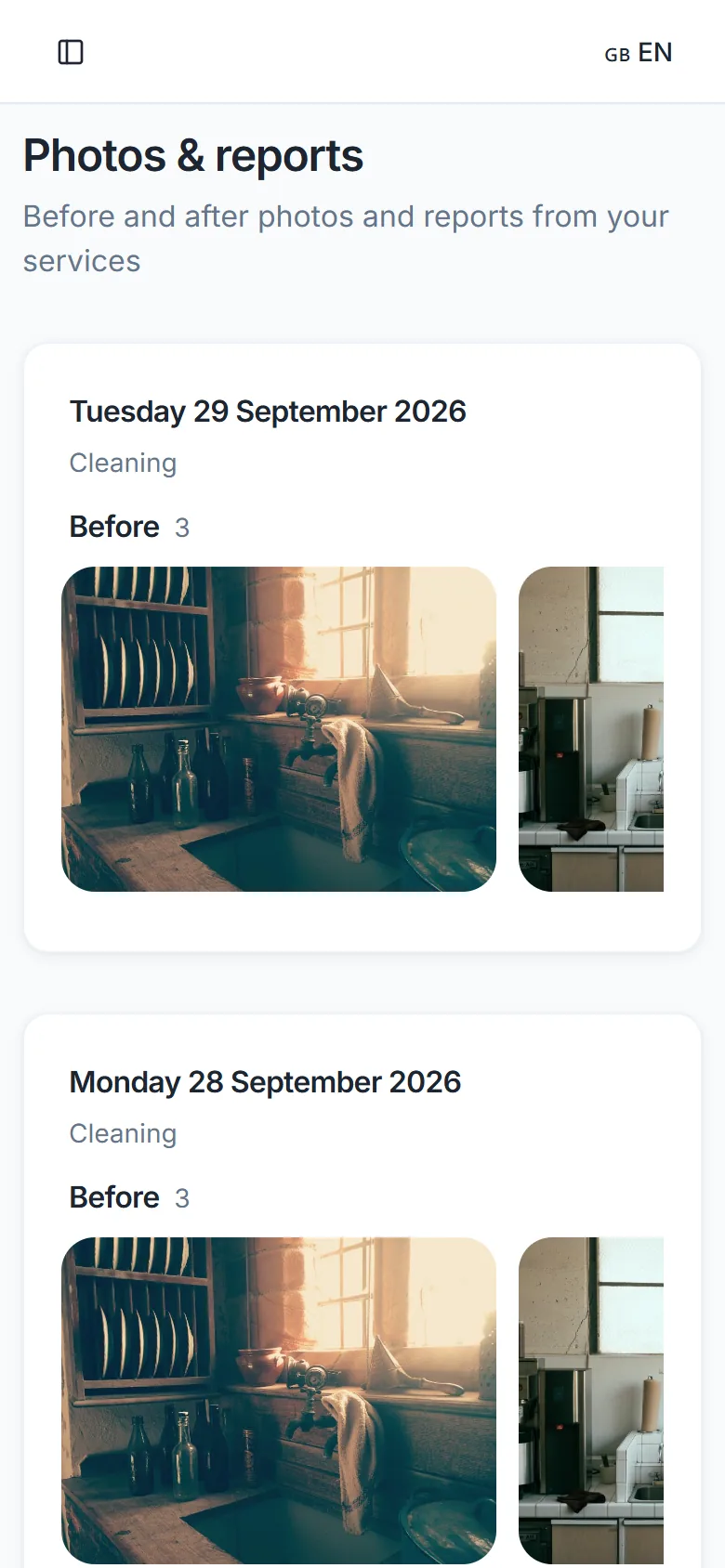
The customer sees the result
The customer gets an email and sees the photos in their portal. The customer can see who is coming and who the route leader is – but never timestamps on photos or internal notes.
All screenshots are from ServiceTrack with a fictitious company and fictitious customers.
How to get started
1
Write to us
Book a demo or request access through the contact form.
2
We create your account
We send an invitation to your first administrator.
3
Invite your team and customers
The “Get started” list in the app shows what is missing.
See ServiceTrack with your own jobs
We show you the system and answer your questions.