Features
From the calendar in the office to the camera on the phone and the portal at the customer. Every image is from the app.
Planning
The calendar
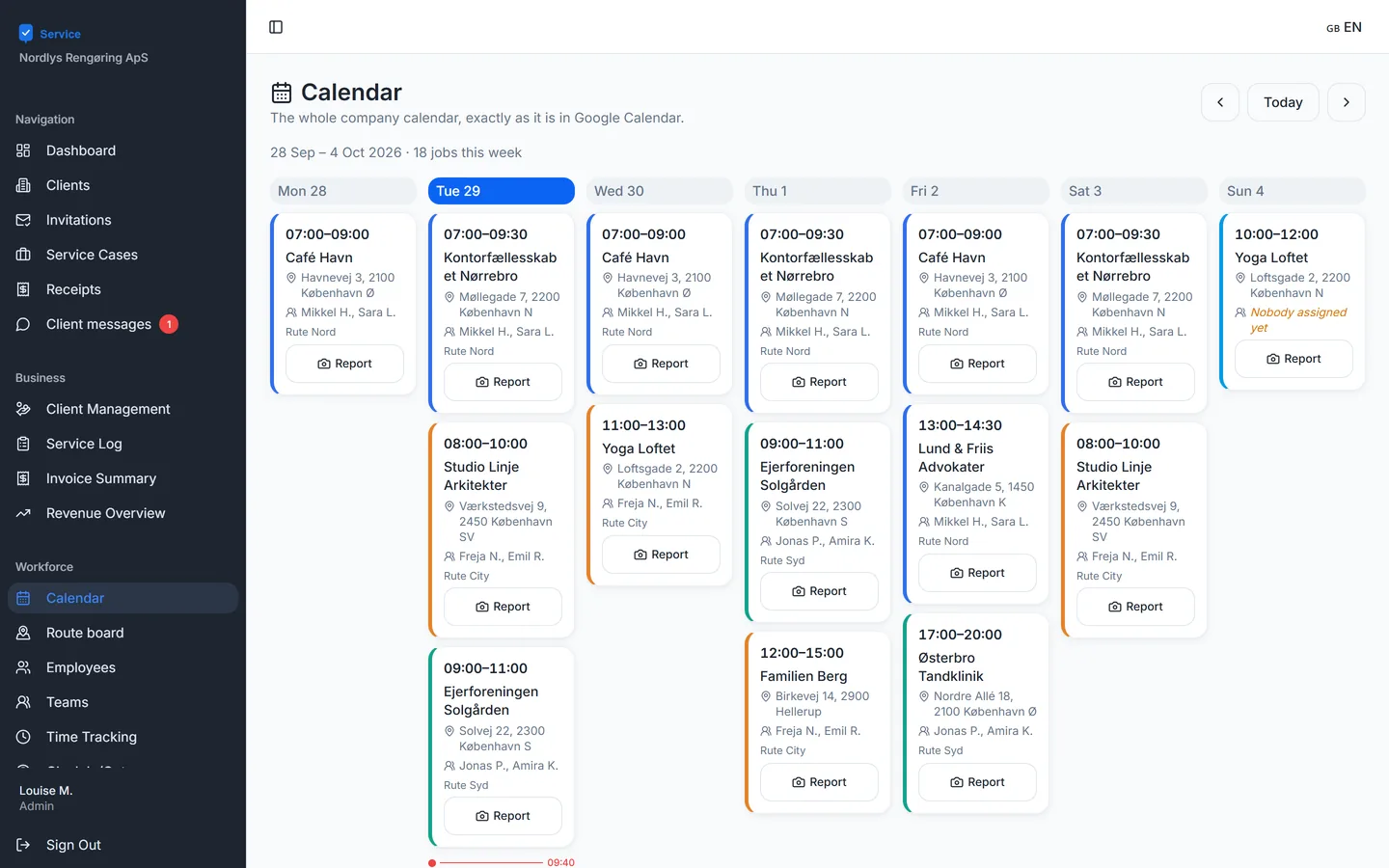
The whole week’s jobs on one screen with customer, address, time and team. The colour shows the route.
Route board
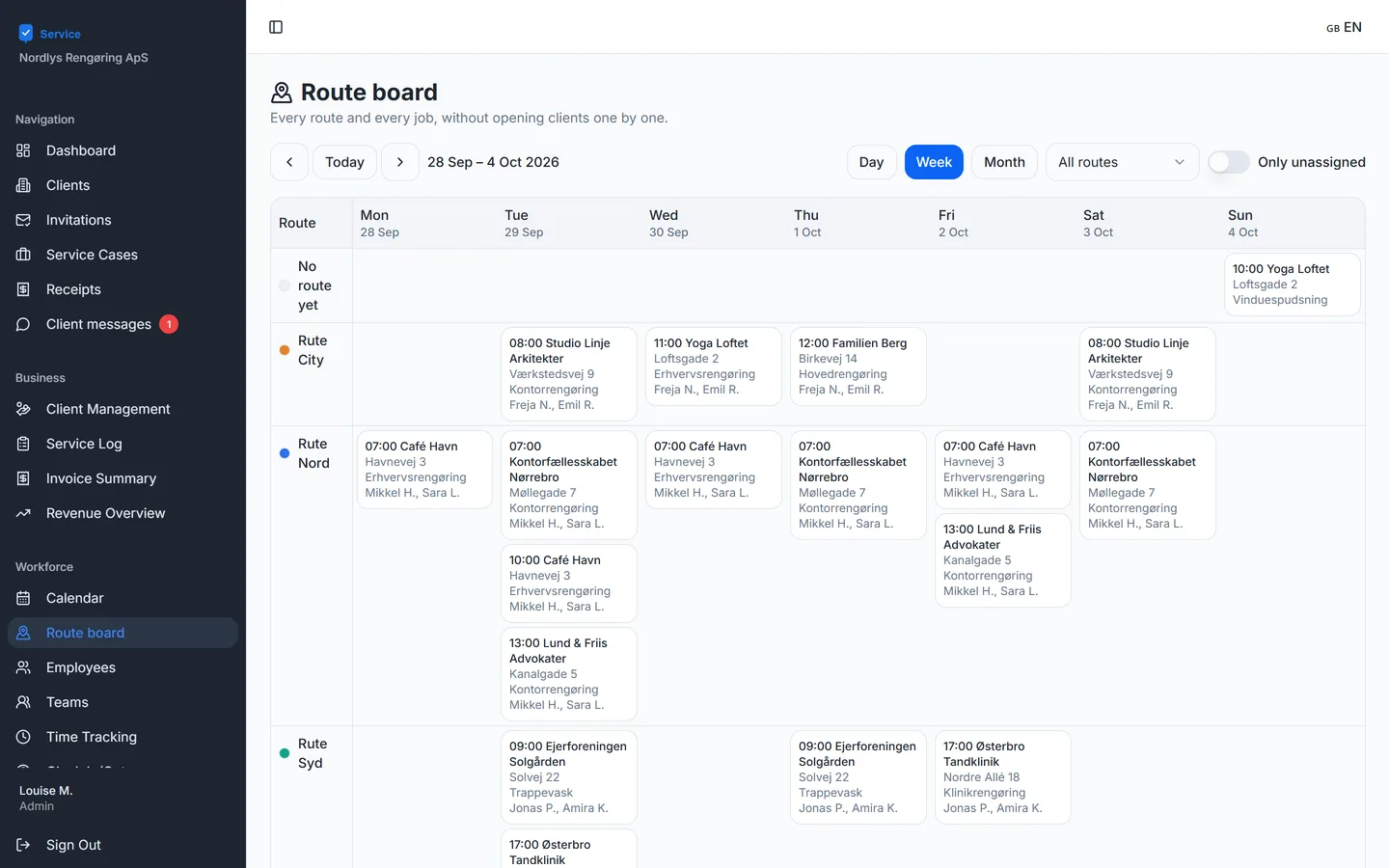
Every route and job side by side — per day, week or month. Jobs without a route sit on their own row, so nothing is forgotten.
Cases
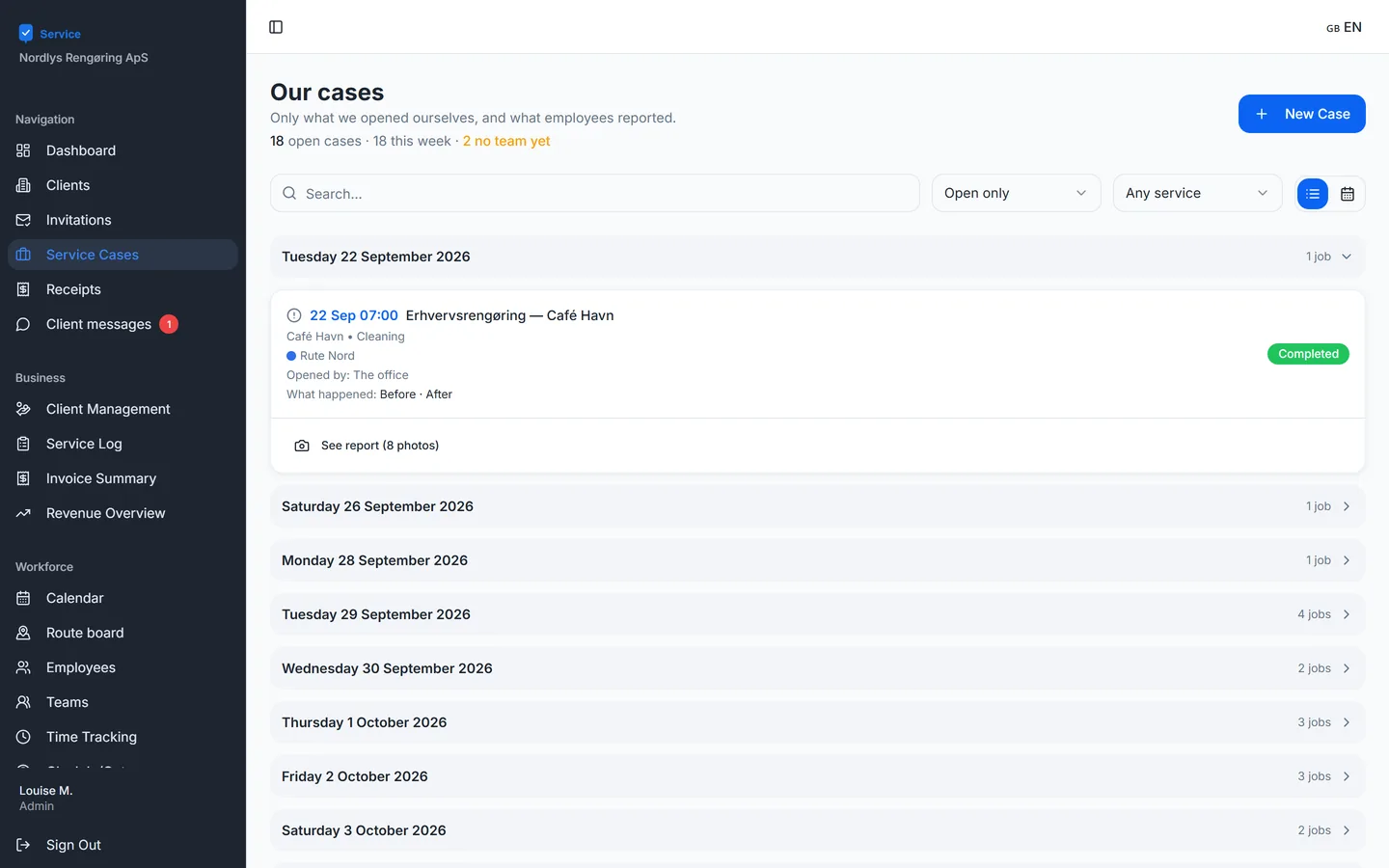
Every job is a case with customer, address, team and what has been reported. Search, filter and see where a team is missing.
On site
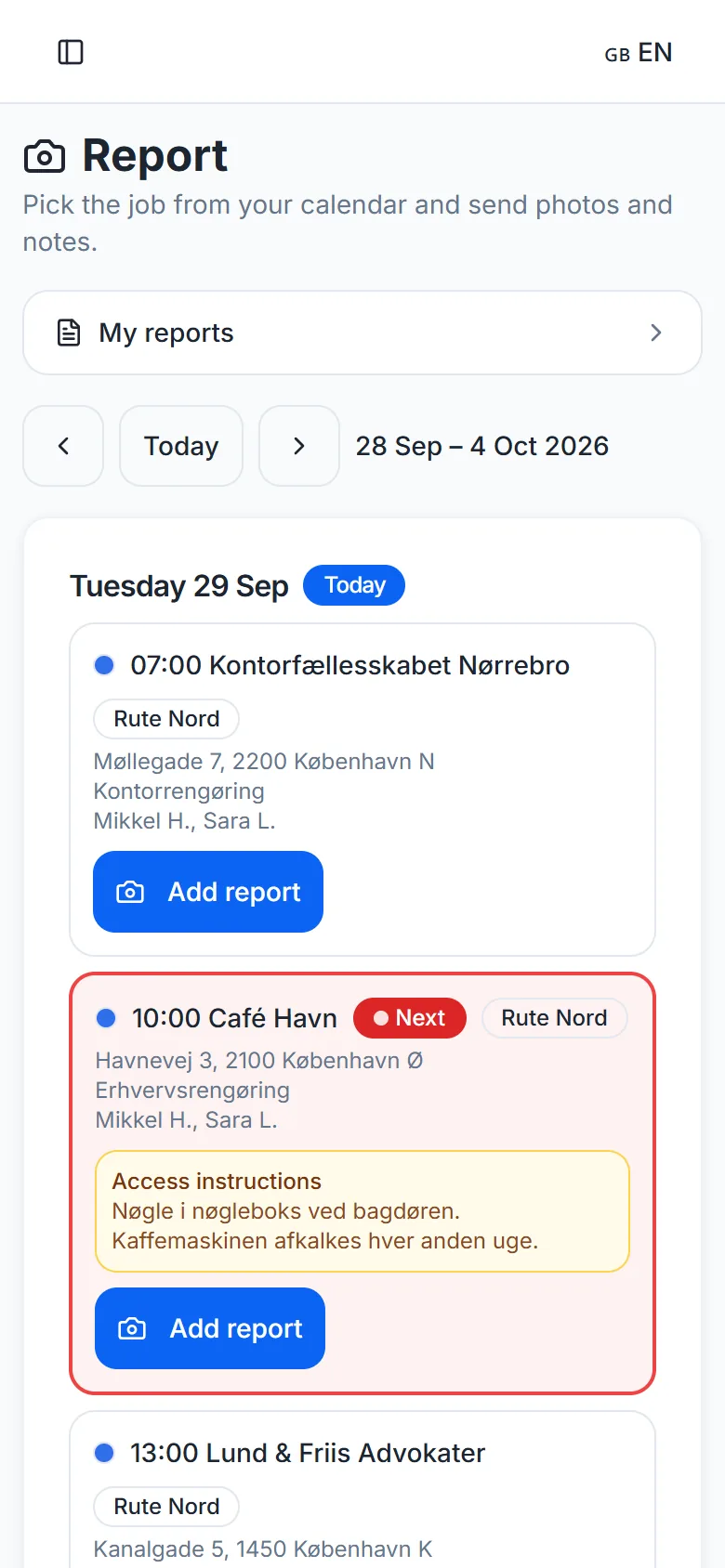
Today’s route
Staff see their own route on the phone: time, address, job and access details — for example where the key is.
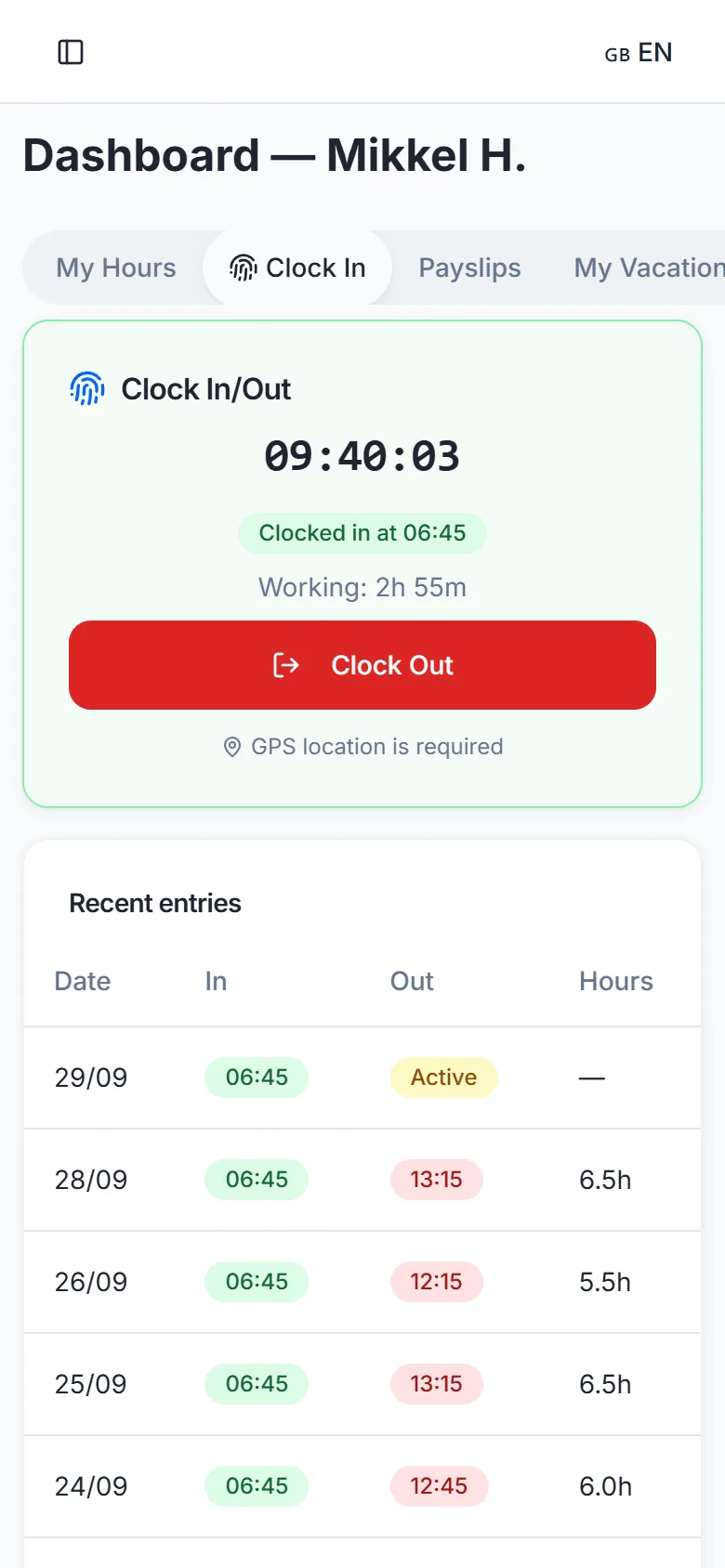
GPS clock-in
Staff clock in and out on their phone, and the location is saved. Hours are worked out automatically.
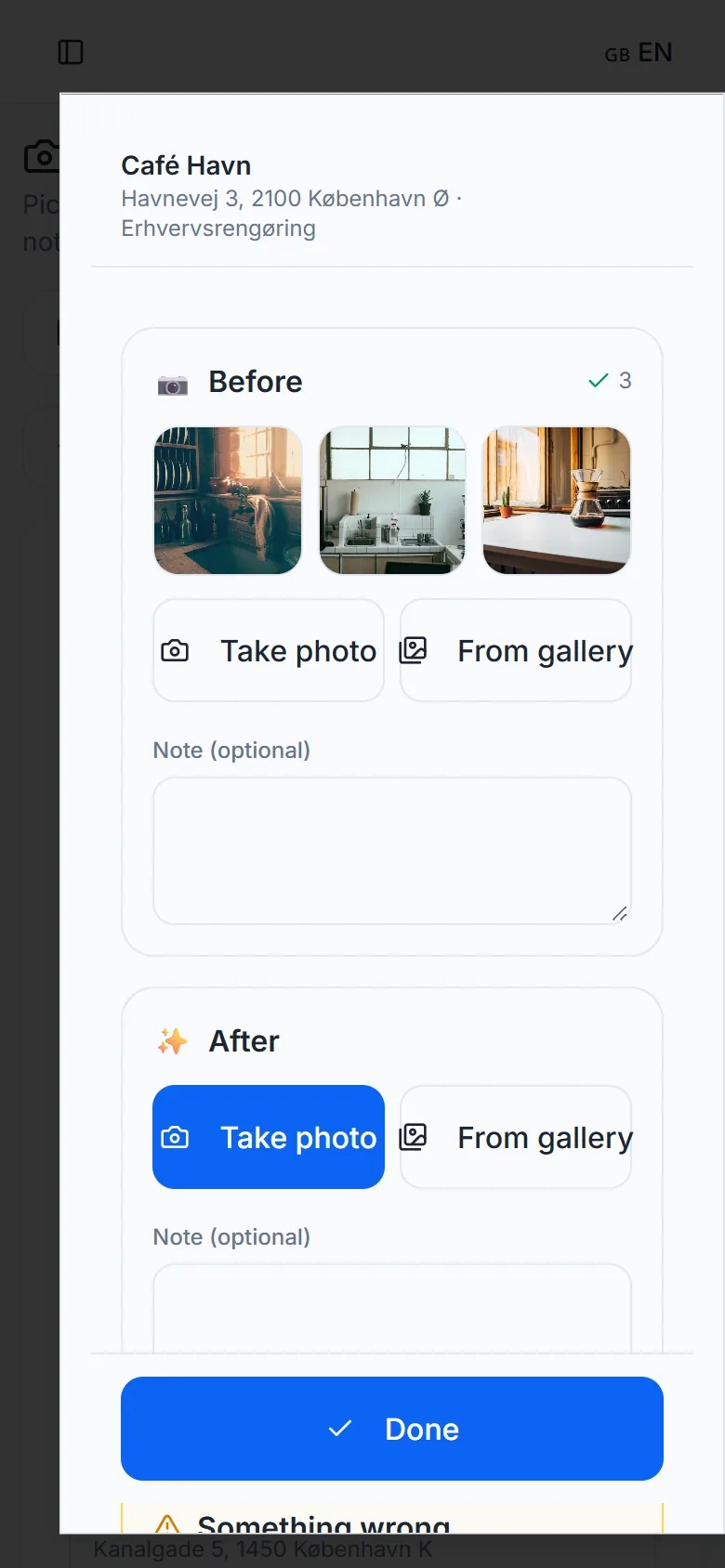
The in-app camera
The route leader takes before and after photos right in the app and can add a note. Photos stay on the phone until they are sent — even on a bad connection.
In the office
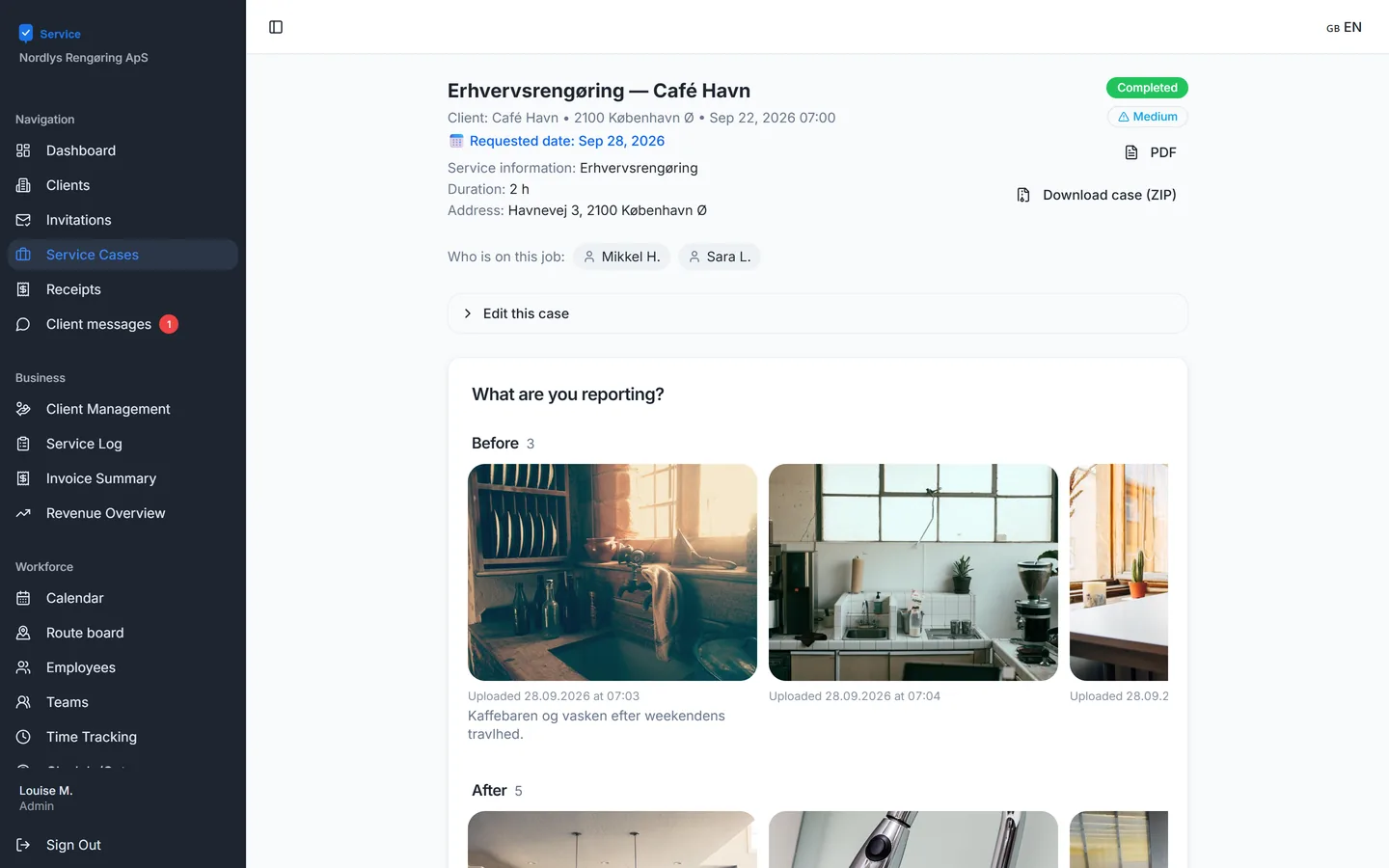
The photo report
Photos are gathered on the case under Before and After, with the team’s notes. The report can be downloaded as a PDF.
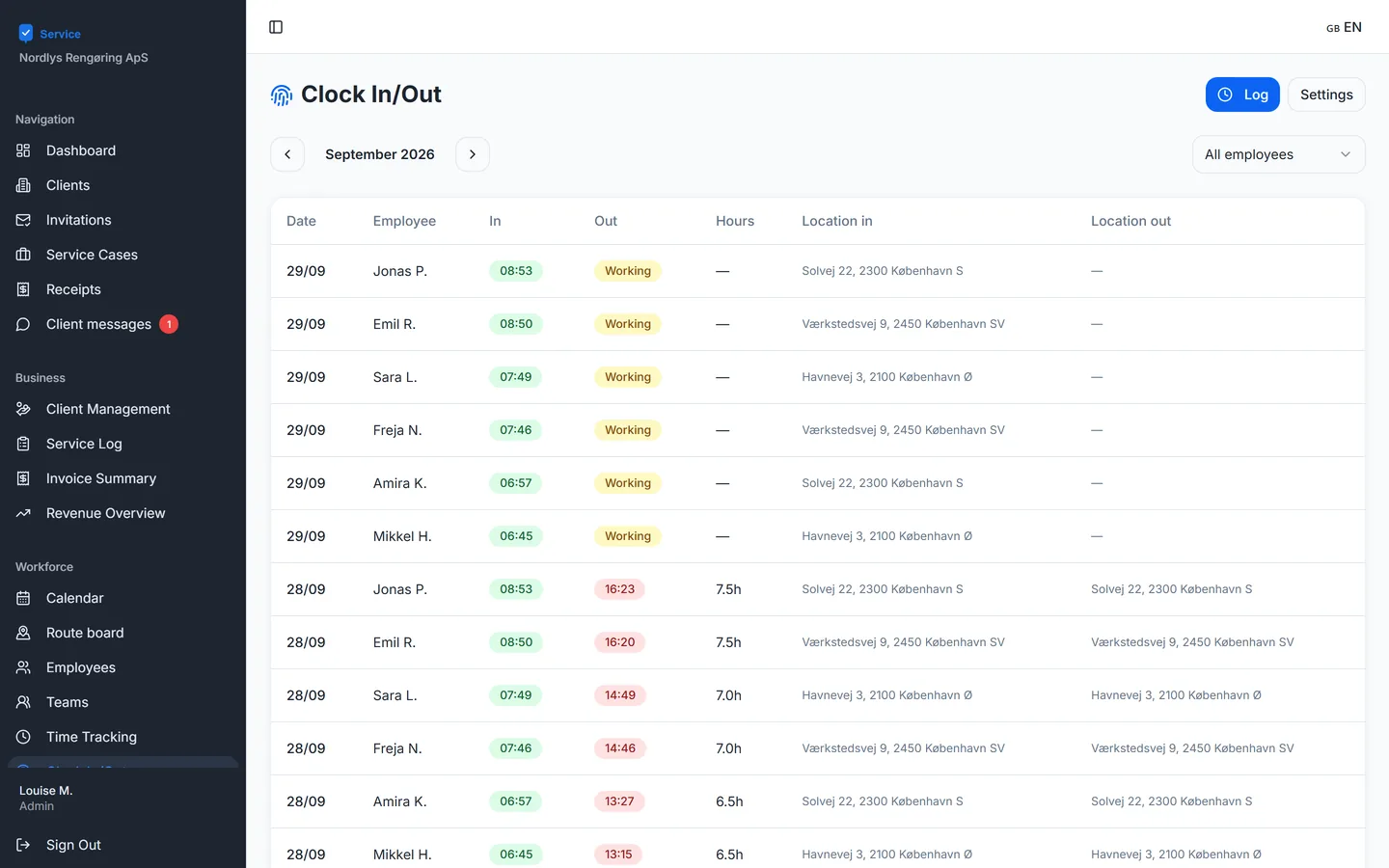
Clock-ins
See who is working, when they clocked in, and where. You choose which employees clock in.
Customers
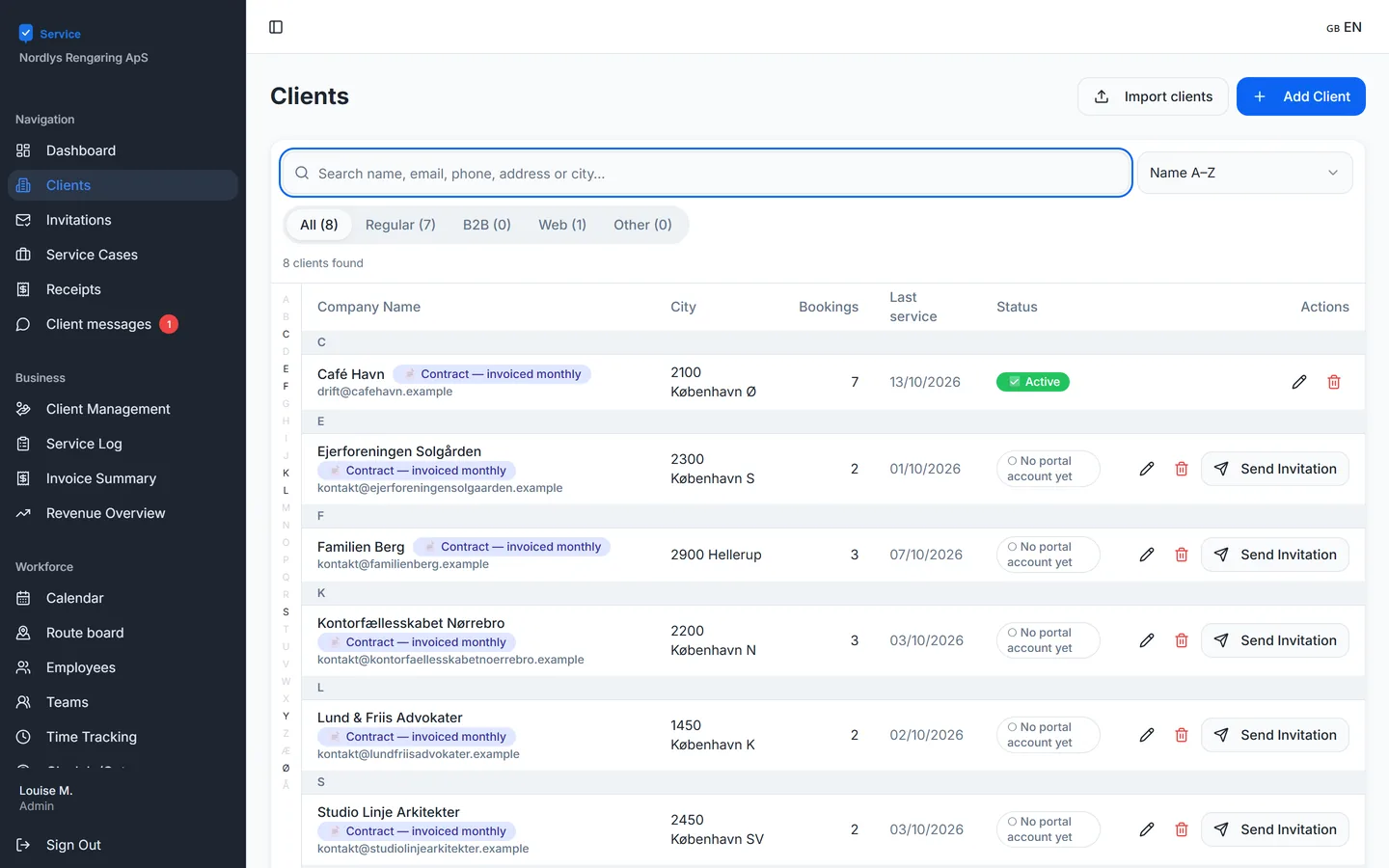
All customers with bookings, latest service and portal status. A customer is invited to the portal with one click.
For the customer
The customer portal
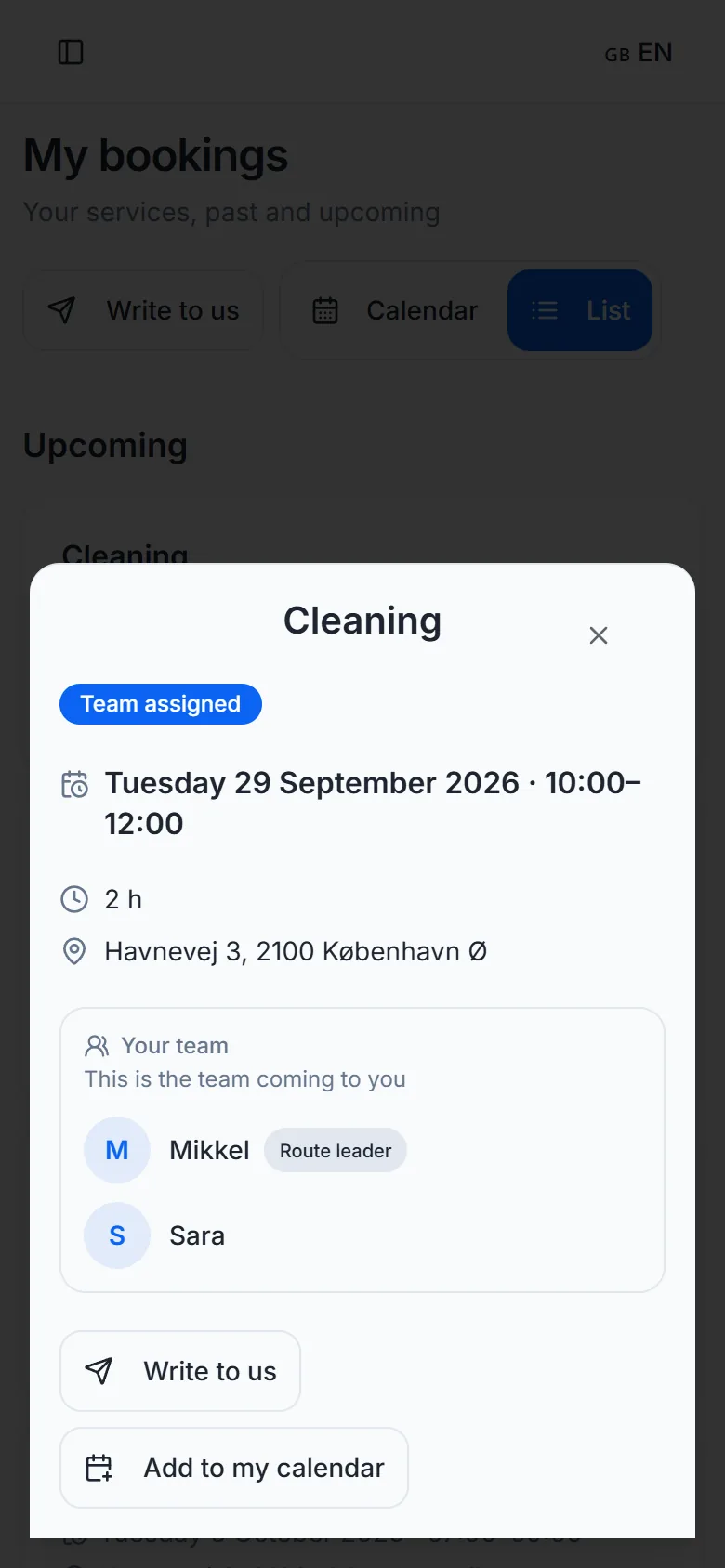
Customers log in and see their bookings. The customer can see who is coming and who the route leader is – but never timestamps on photos or internal notes.
Photos from the job
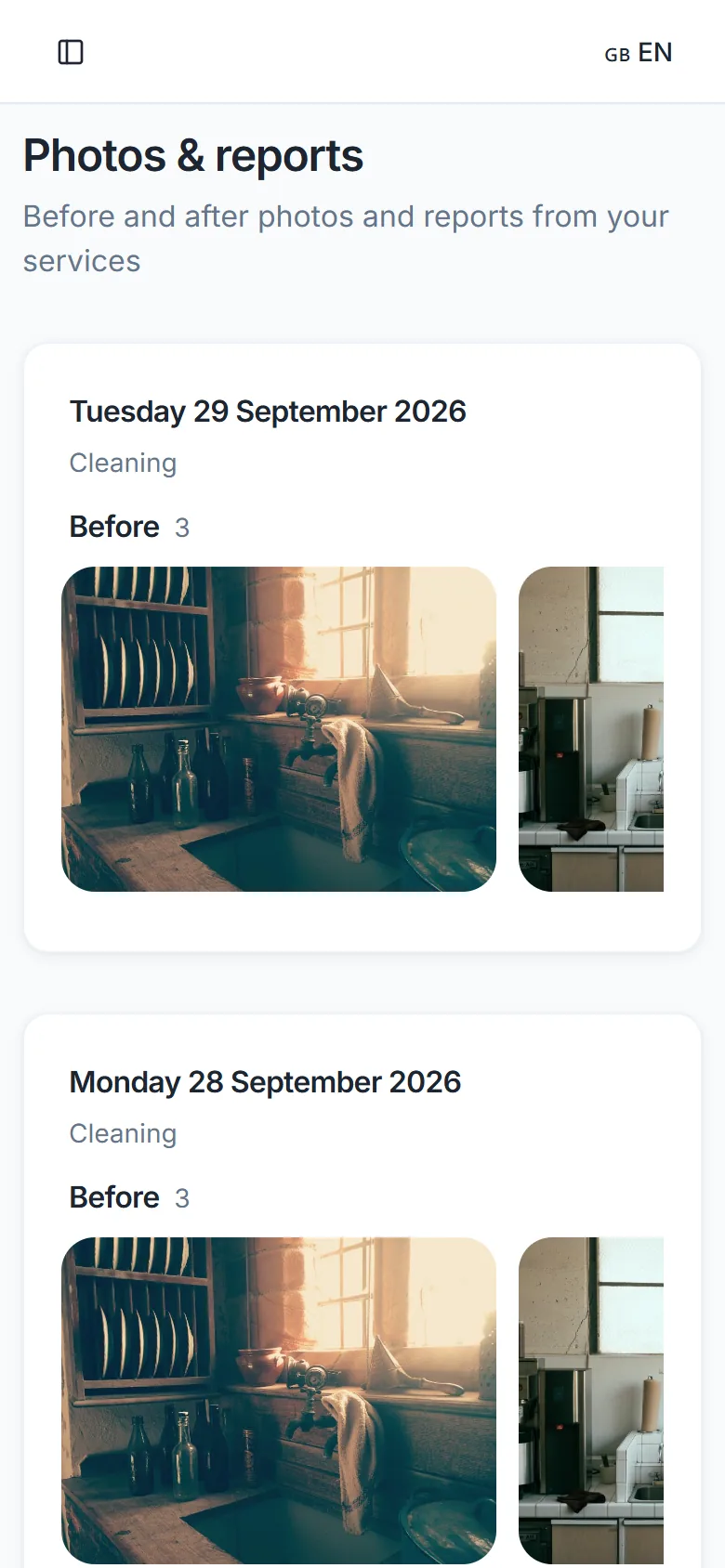
The customer sees the before and after photos in the portal and gets an email when there are new ones. If you want to review the photos first, you can turn on approval.
Messages
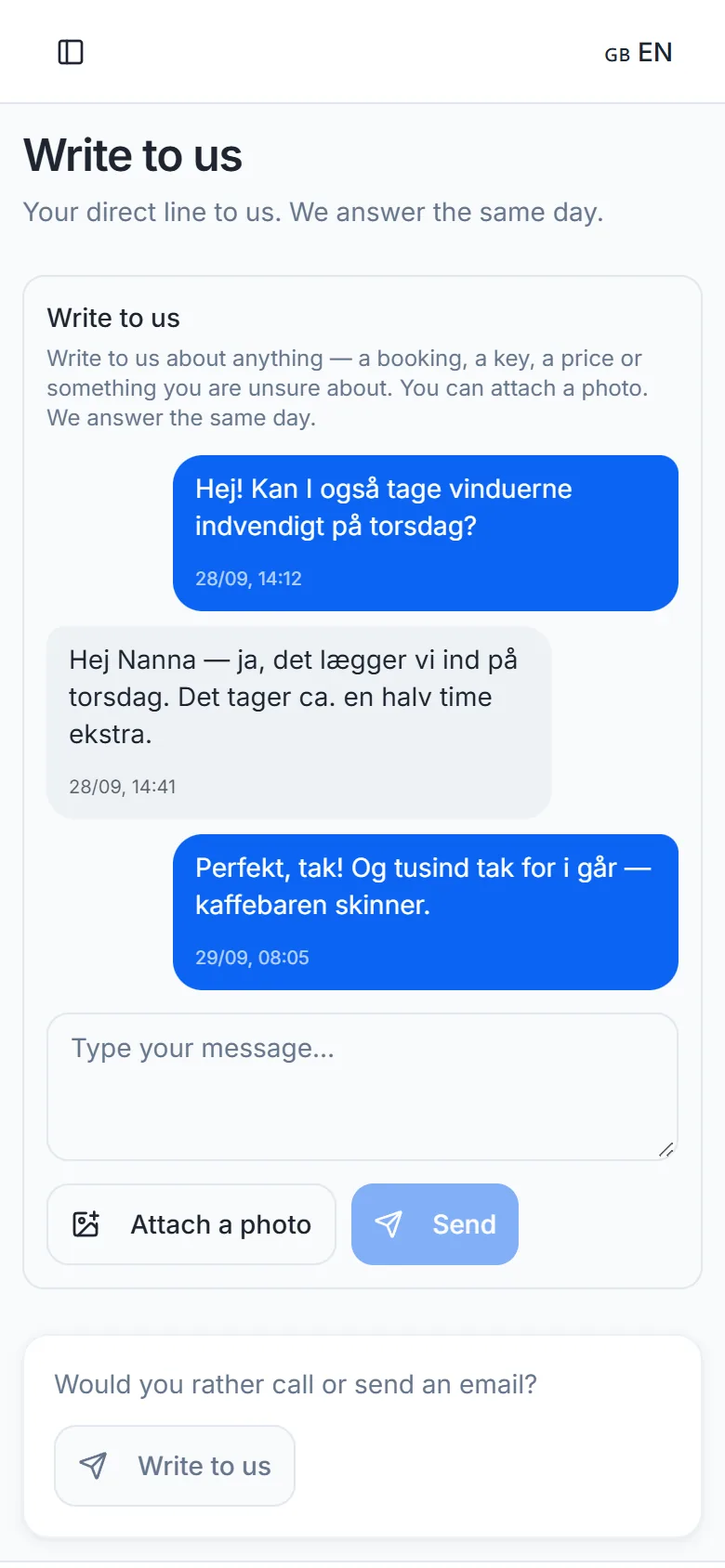
Customers write to you straight from the portal, photos included. The office replies from one place, and the customer gets an email when there is a reply.
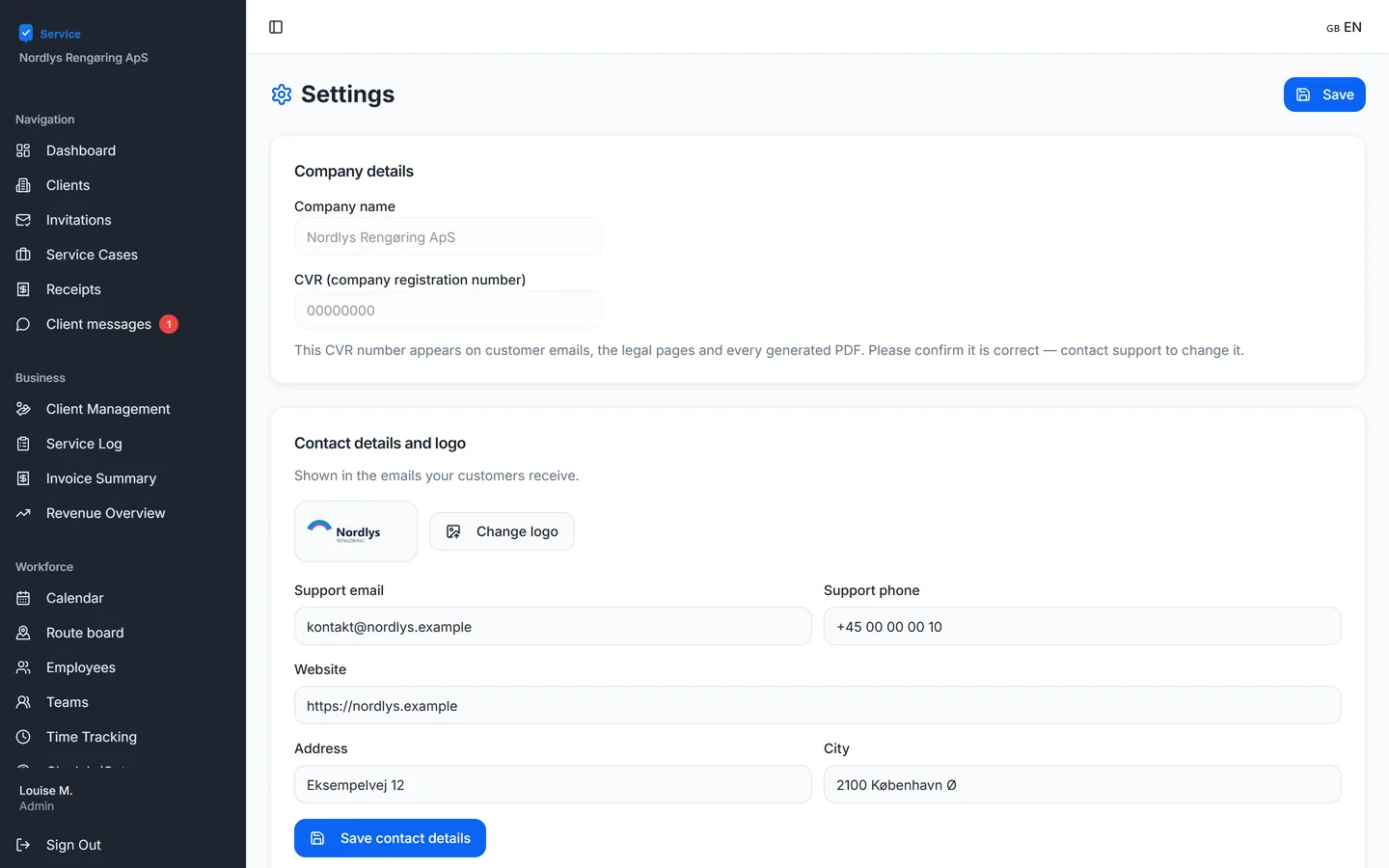
Your name and logo
Emails to your customers carry your name, logo and contact details and can be sent from your own domain.
And also
Hours and payslips
Hours per period, downloadable as a PDF. Payslips are uploaded so employees can see them in the app.
Holidays
Staff request holidays in the app, and the office approves or declines.
Receipts
The office keeps expense receipts in one place.
Google Calendar sync (on request)
We set up the sync for you if you plan in Google Calendar.
Danish and English
Every user picks their language. Customers get the portal in Danish unless you choose English.
Data in the EU
The database and files are in Ireland, and each company’s data is kept apart from the others.
All screenshots are from ServiceTrack with a fictitious company and fictitious customers.
See ServiceTrack with your own jobs
We show you the system and answer your questions.